
Password Builder
Practice building stronger passwords with a simple guided activity that helps learners understand what makes a password safer and easier to remember.

Password Builder
Let’s practice building a stronger password together. You can type a sample password and see how a few simple changes can make it safer.
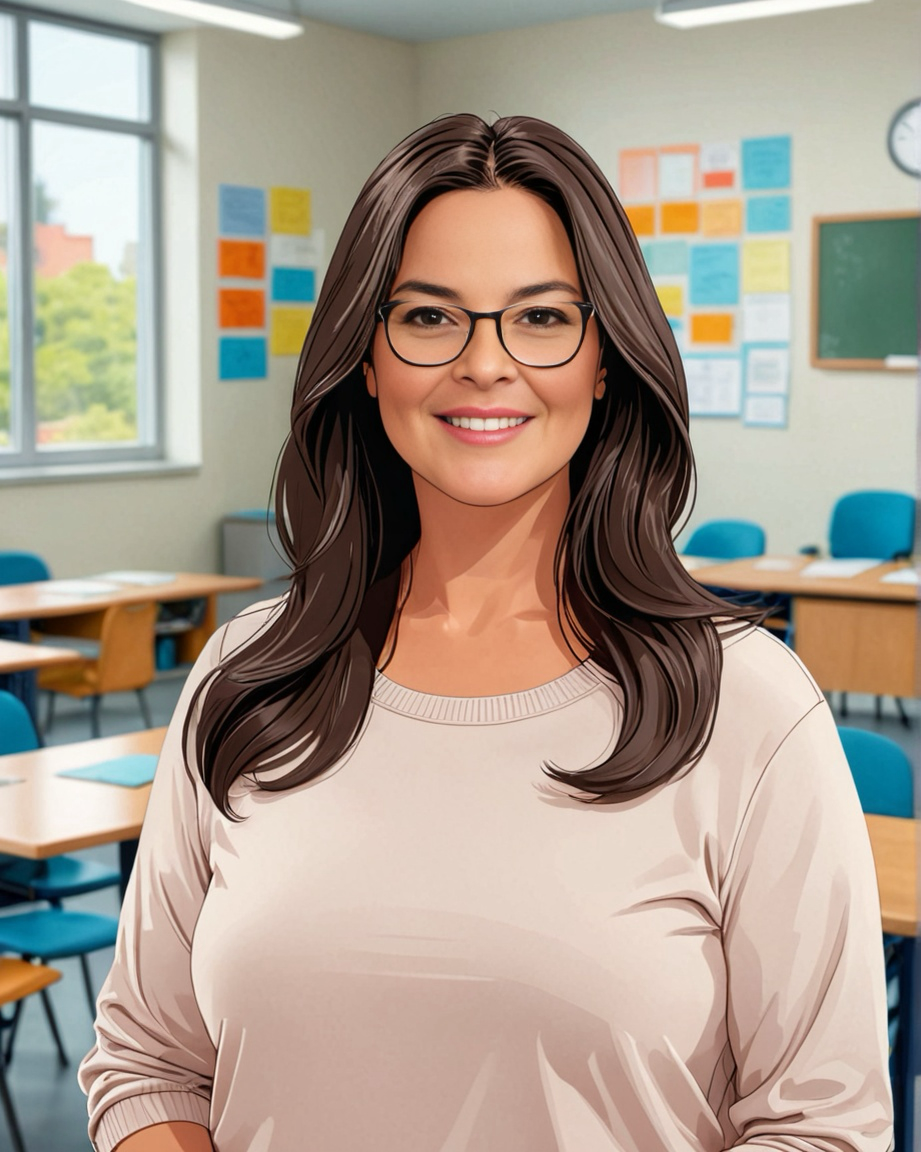
Maria will guide you through each step. This is only practice, so do not type a real password you currently use.
Use a made-up example only. Do not enter a real password you use for email, banking, or any account.
What helps make it stronger
- At least 12 characters
- Includes an uppercase letter
- Includes a lowercase letter
- Includes a number
- Includes a symbol like ! @ # $
- Avoids common weak examples like password123
Longer passwords are often safer. A made-up phrase with a mix of letters, numbers, and symbols can be easier to remember than a short password.
This is only a sample to show what a stronger password can look like.
What to improve
You practiced building a stronger password.
Stronger passwords are usually longer, less predictable, and use a mix of characters.
Small improvements can make a big difference. Creating unique passwords for important accounts helps protect your information.
Need more help?
Maria, your Tech Coach, can help learners understand password safety, account protection, and simple ways to build better online habits.